Paso
Configure
Units, loads, operators and operational rules.
Turn your fuel loads and consumption into actionable data. FSC software centralizes information on units, loads, users, reports, alerts and indicators so management has greater visibility over spending.
Spreadsheets may work at first, but in an operation with multiple units they become slow, fragile and hard to audit. When data arrives late or incomplete, the company loses the ability to detect deviations in time.
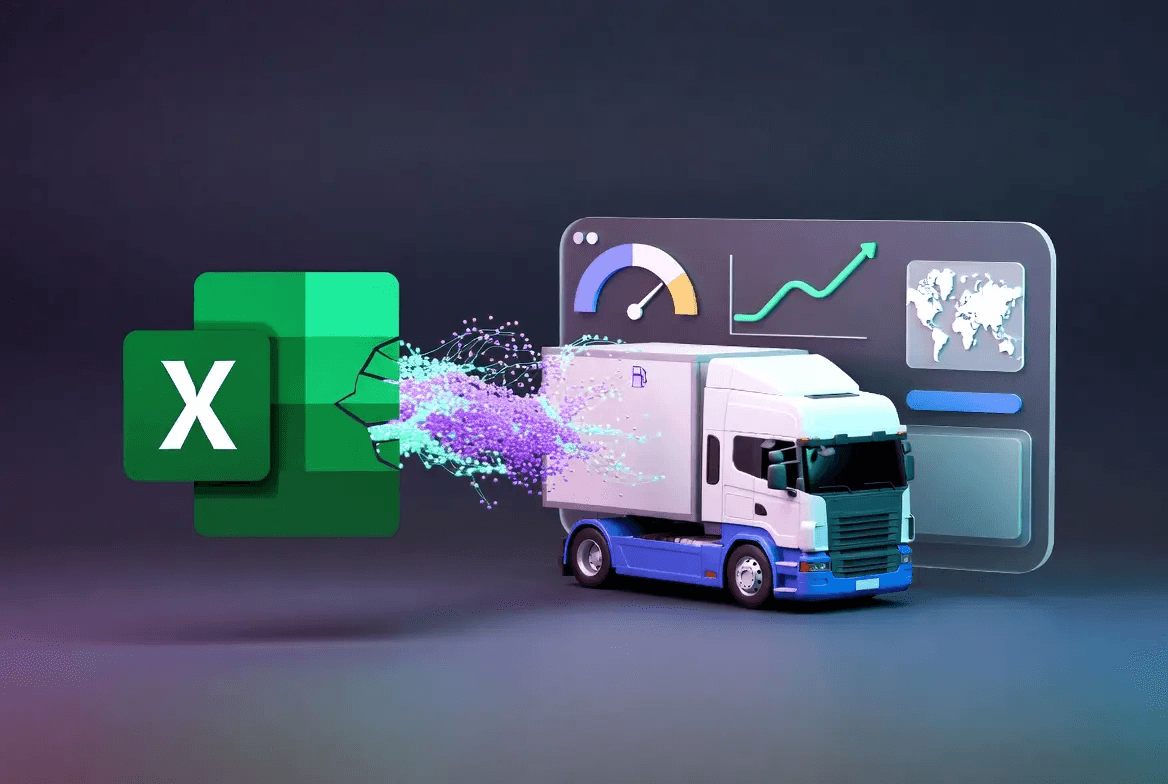
The software organizes loads, consumption, units, operators and indicators on a platform that makes it easy to review operational and administrative information.
View key indicators: consumption, spending, variations, loads, performance and behavior per unit.
Identify units with higher consumption, operational differences or performance below the expected average.
Organize operators, access and history to improve internal traceability.
Detect out-of-range consumption, differences between load and consumption or behaviors that increase spending.
Units, loads, operators and operational rules.
Consumption data from sensors, cards or reports.
Reports by unit, period and cost center.
Indicators and alerts to define actions.
Excel & logs
FSC Software
What people ask the most before the demo. If you have another question, talk directly to an advisor.
It centralizes loads, consumption, units, users, reports and indicators to better manage fuel spending.
It reduces reliance on manual sheets and logs by providing organized data, reports and alerts from one platform.
Consumption per unit, spending per period, registered loads, variations and performance for each fleet.
Yes, it can integrate with sensors. To learn about physical measurement, visit the fuel sensor page.
Fleets, carriers, delivery companies, operations with own tanks and businesses where fuel is a significant recurring expense.
Have a question that isn’t here?